AI Masterclass for Interior Designers
You're in, [name]!
Your free AI masterclass starts below.
AI Course for Interior Designers
This is how Interior Designers use AI tools to save time, deliver better visuals and scale their workflow.
 11+ hours / 43 lessons
 In 2026, AI isn't optional anymore.
It's become the standard.
Clients expect stronger visuals, faster decisions, and concepts earlier in the process. The designers who've made the shift are already delivering that.
Learn AI and stay ahead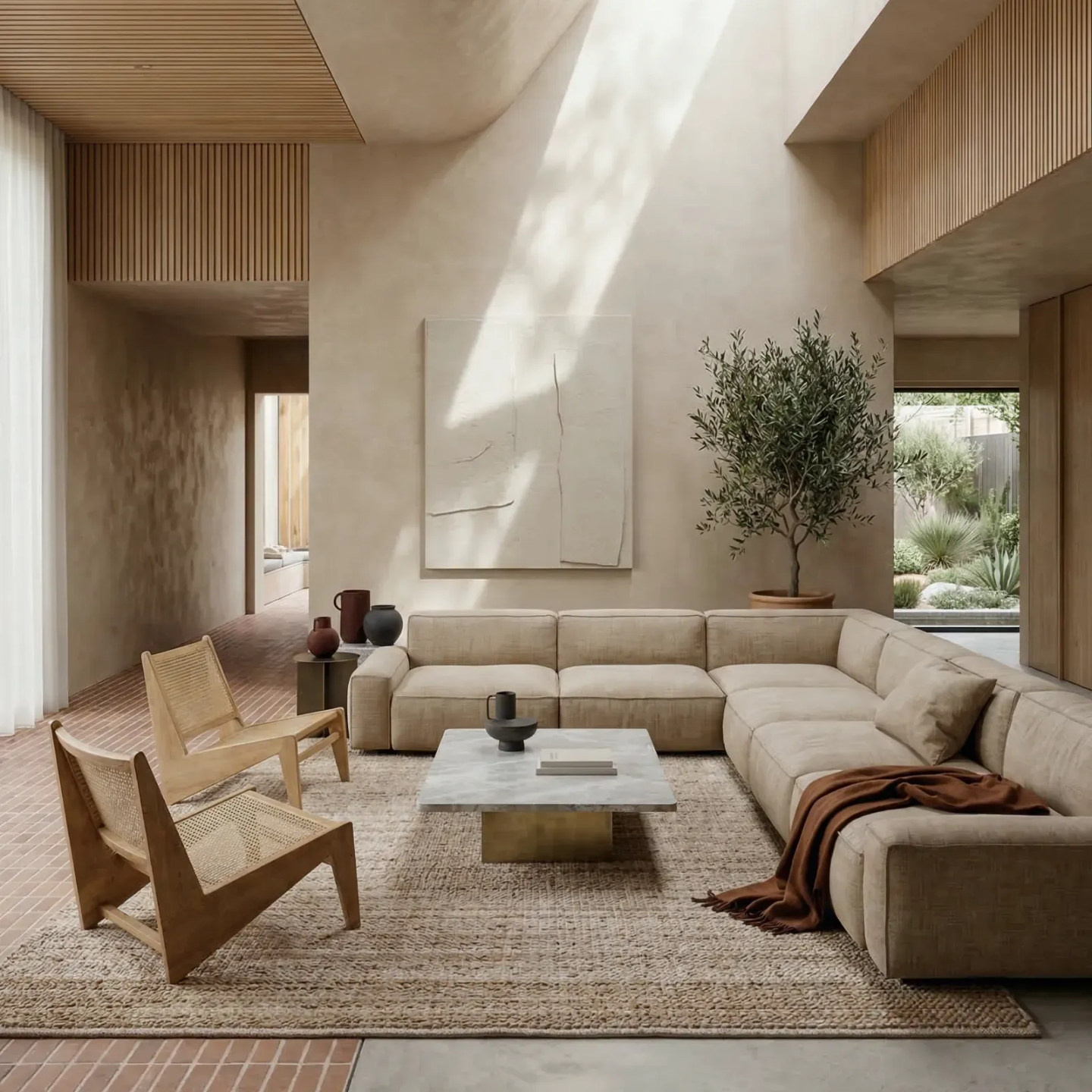
Here is where AI can make a difference
 Show concepts as the first client meeting: Generate mood, atmosphere and spatial ideas before a single decision is made. Walk into a meeting with something to show.
Turn a sketch or 3D model into a photorealistic visual: In minutes, not days. Early enough in the process to actually influence the design.
Explore more directions, faster: Test bold options, try different styles, push the concept further without the time cost of starting over.
Get client approvals earlier: Show compelling visuals well before the final render stage. Less back and forth, faster decisions, smoother projects.
Build presentations that close projects: Clear, visual, client-ready at every stage. From early concept to final walkthrough.
AI is moving fast and most designers are using it wrong.
Most designers are just adding AI on top of their existing process, without rethinking how they work. Without the right guidance, you waste hours testing tools, tweaking prompts and just hoping for good results. I’ll show you one clear method that actually fits the way interior designers work.
Click here to join now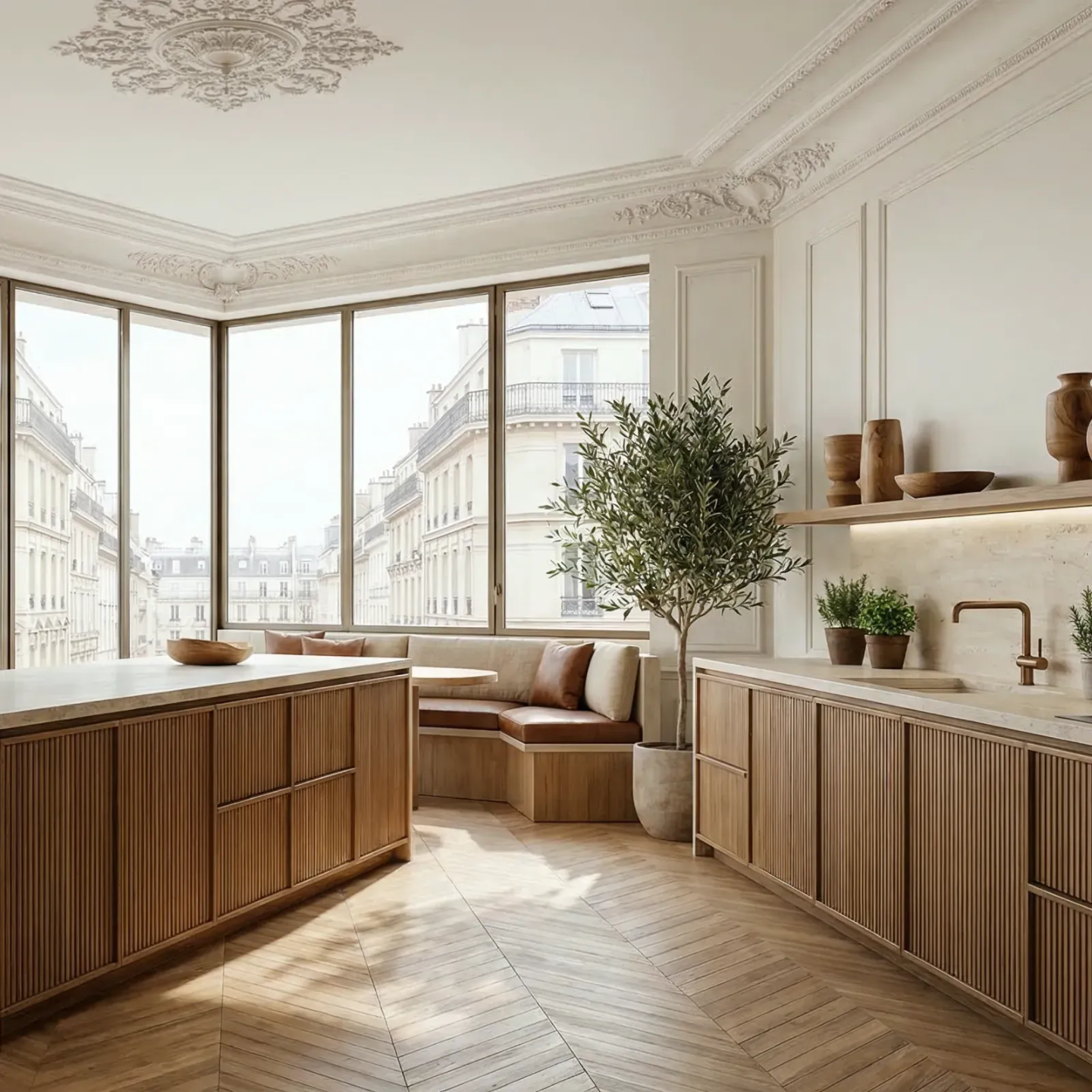
What sets my
AI course apart ?
Most AI courses teach you tools. This one teaches you how to think differently about your entire design process.
AI isn't just making designers faster. It's changing the order in which we work, what happens at the concept stage, what's possible at presentation, what clients can see before a single render is done. This course is built around that shift.
You'll learn how to use AI throughout a real project, from early concepts to final 3D visuals, with the right tools at the right moment. Not a collection of tricks. A workflow that actually holds together.
Built by an interior designer, for designers who want to use AI to think deeper, design better, and communicate more clearly.
A sneak peek of what AI can do for your designs.
Learn 30+ ways interior designers and architects can save time and streamline their workflow with AI. Here are just a few examples generated with Nano Banana, Kling or Midjourney...
Check out the full list in the course overview.
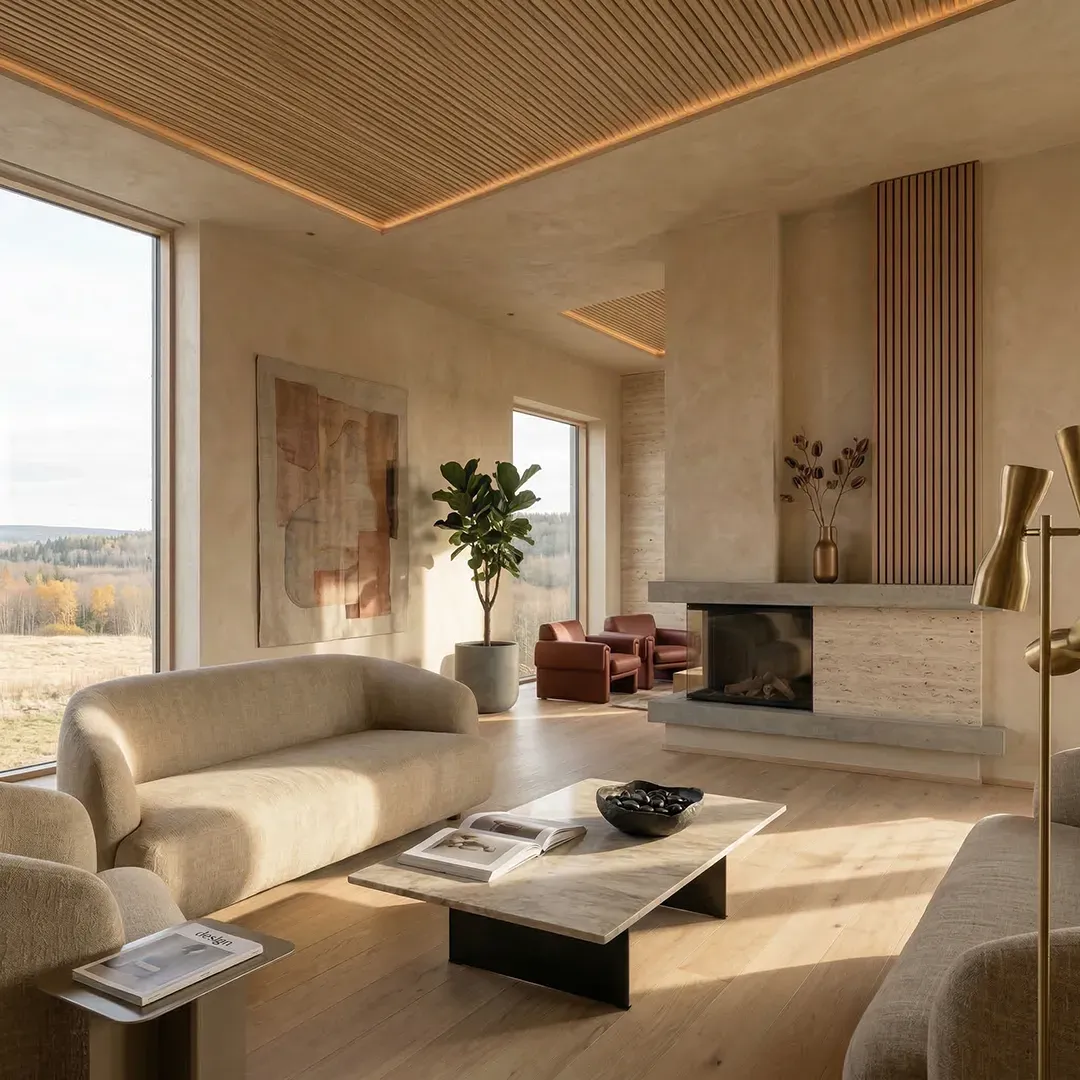
Insert real furniture
Combine a photo of your empty space with your moodboard and Nano Banana's AI instantly fills it with furniture, decor, and materials that you selected.
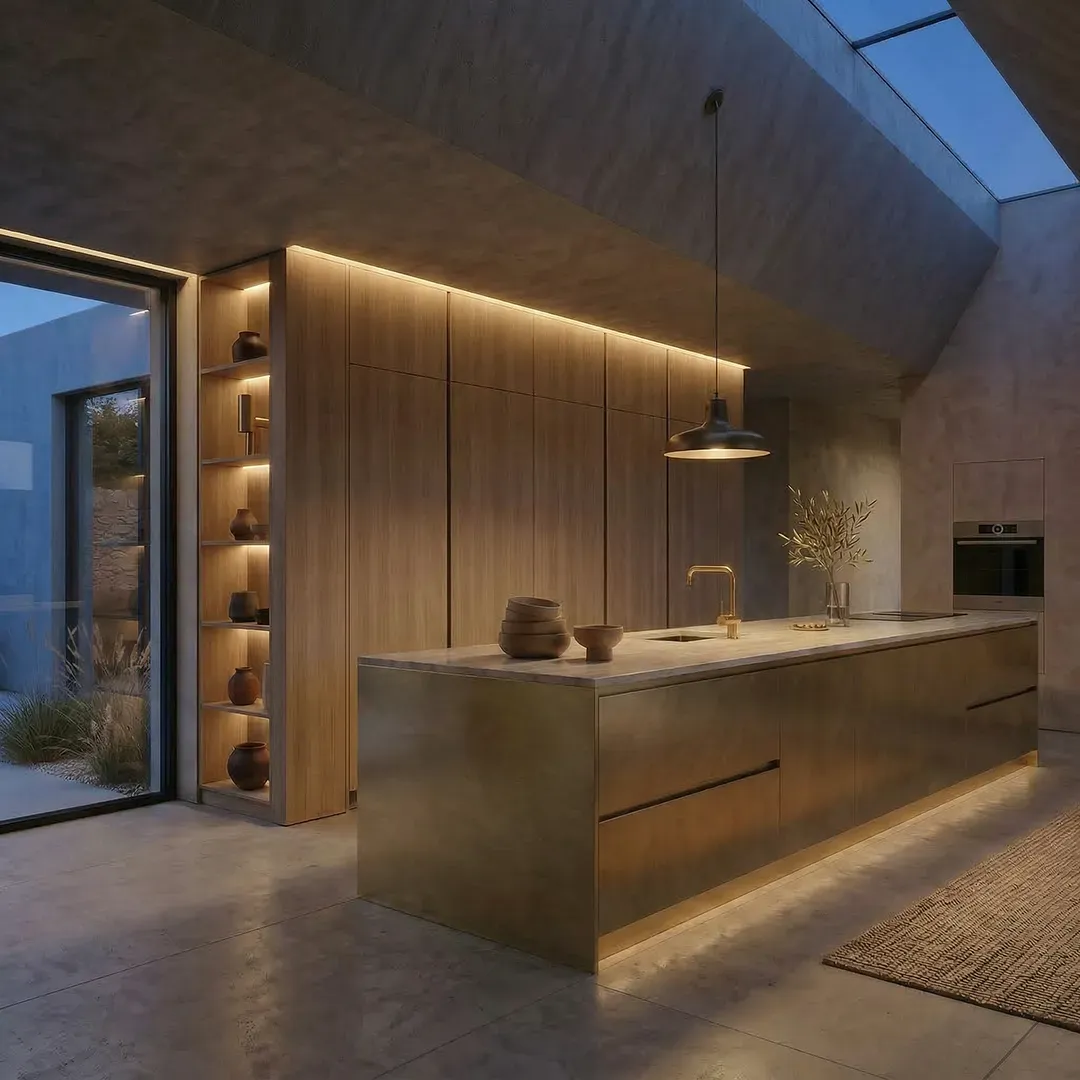
Time of day change
AI lets you turn a bright daytime render into a moody night scene. No need to re-render the model. Give clients a true feel of the space across different times of day.
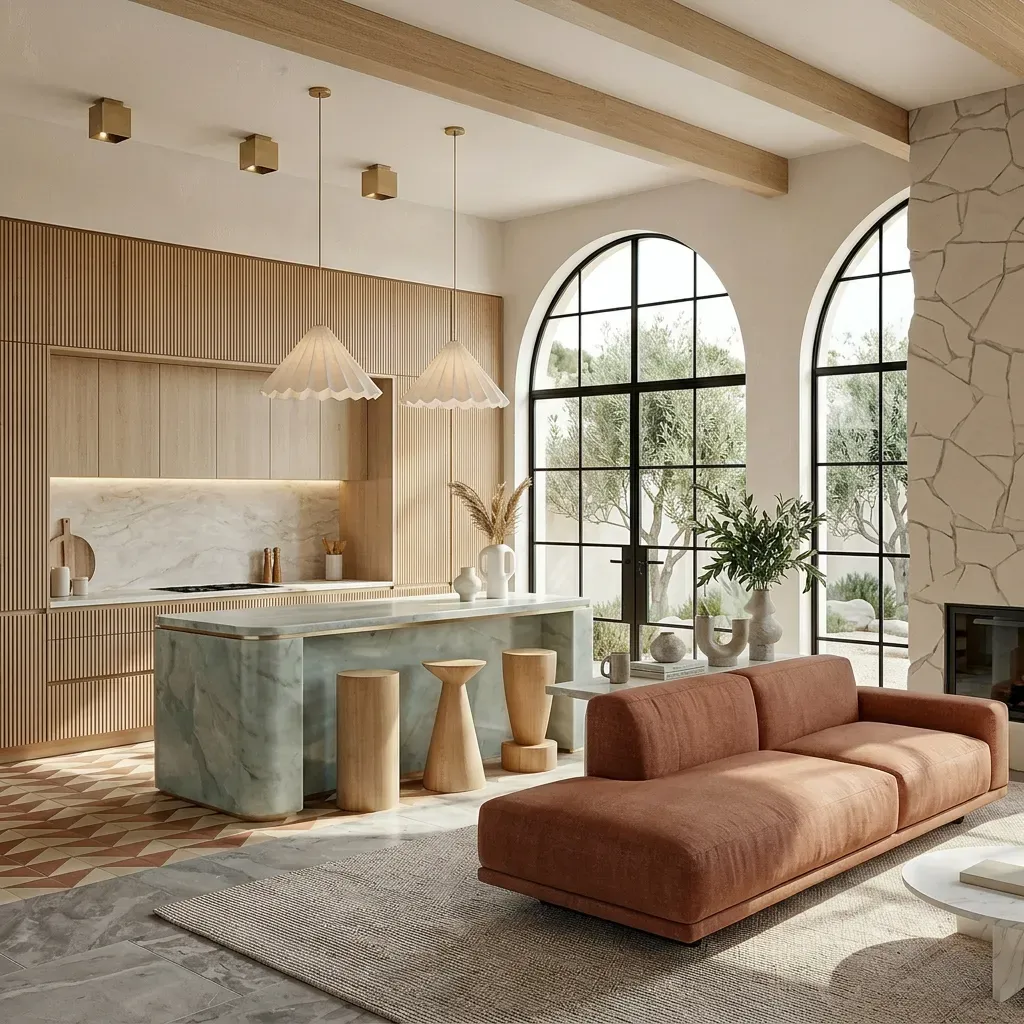
From 3D model to render
Turn your 3D model into a realistic visual in seconds using Nano Banana. Perfect to present design concepts with realistic light, texture, and atmosphere.
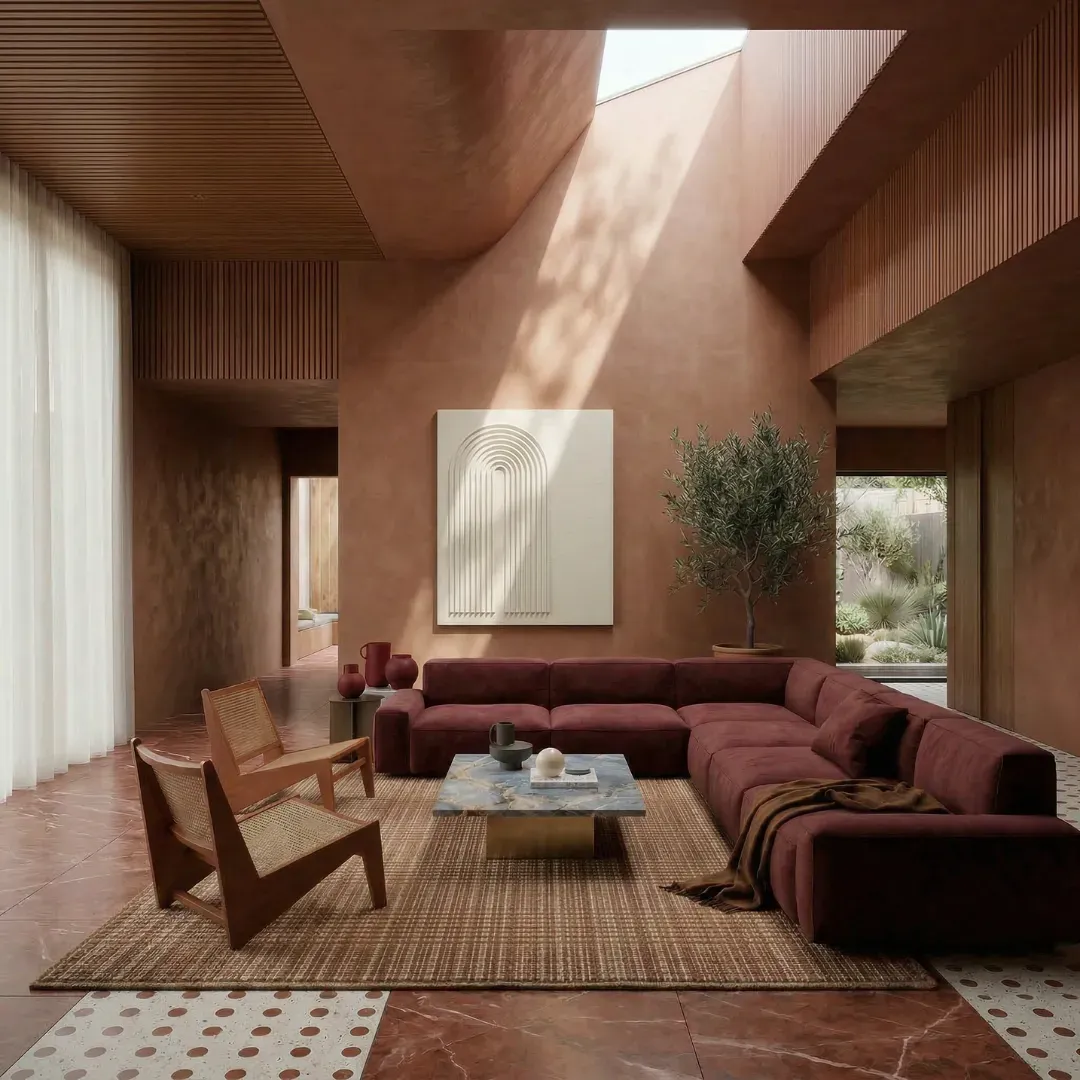
AI color adjustments
Easily test new color schemes on your 3D render or photo without re-rendering. Use AI to explore different palettes, adjust tones, and make fast visual changes.
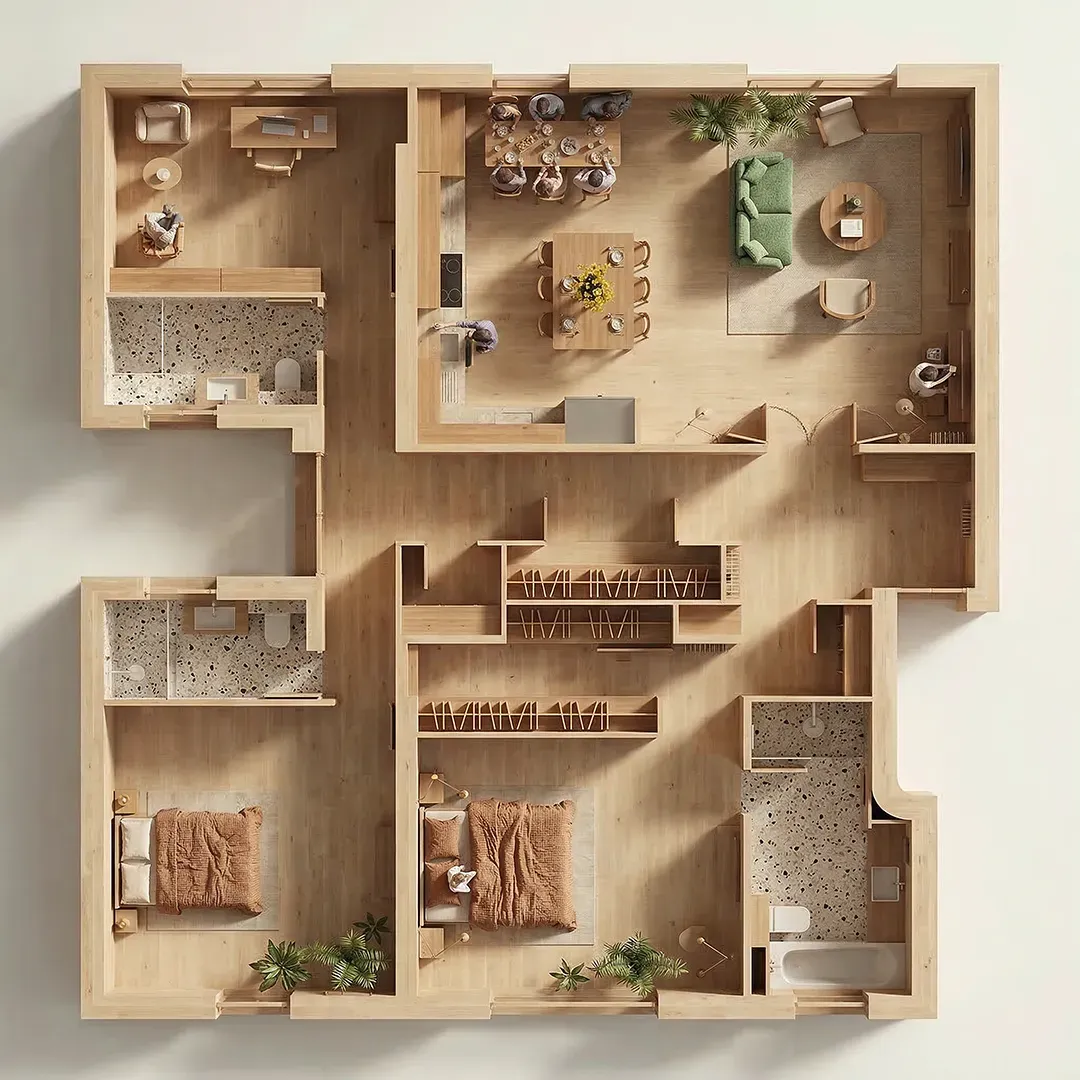
Stylize your floorplan
Turn a floorplan into a styled visual instantly. AI assigns material zones, color palettes, and finishes so your plan communicates design intent, not just dimensions.
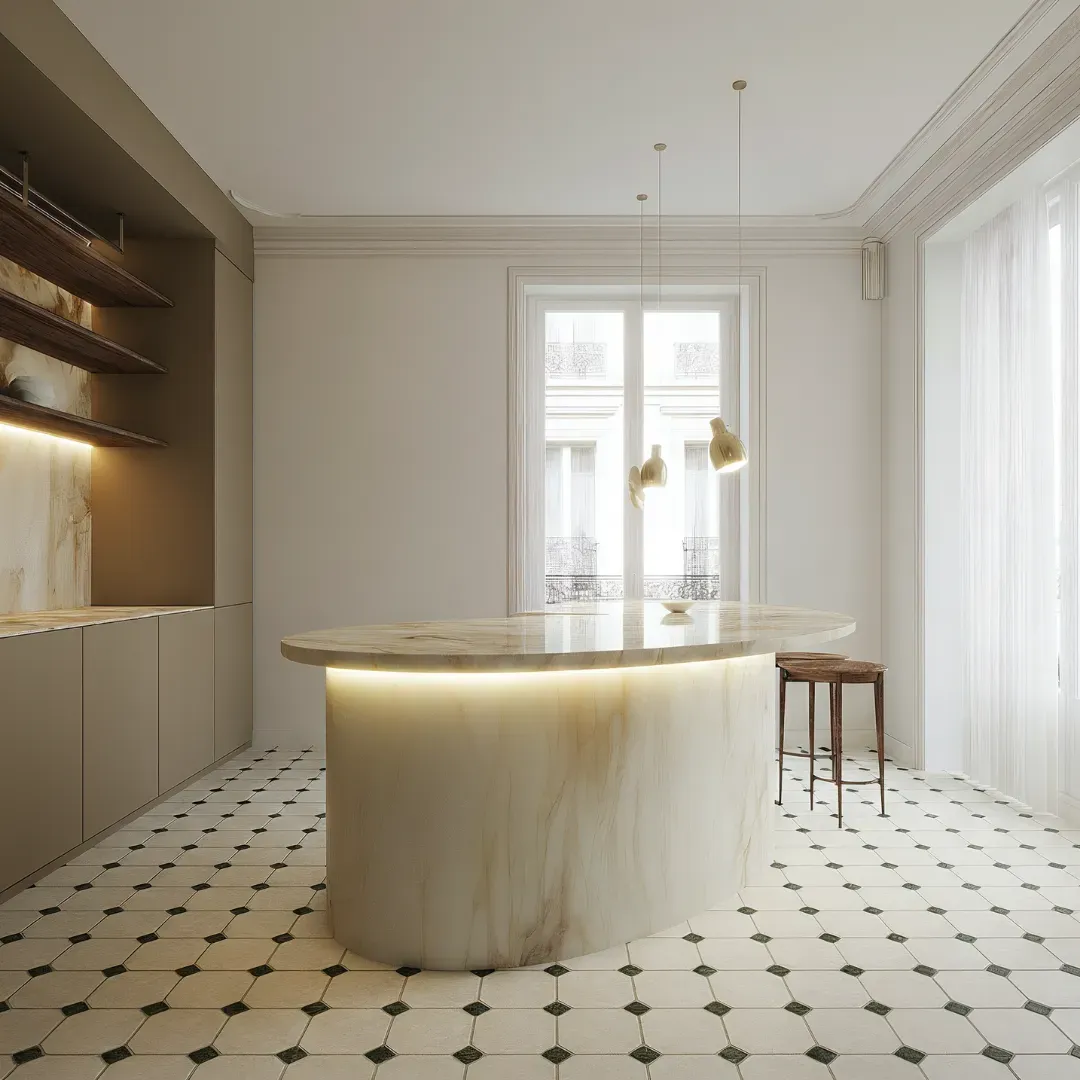
Instant material swap
Update flooring, walls, or fabrics on demand. Swap wood for marble, tiles for carpet instantly. Quickly see how each option transforms the space.
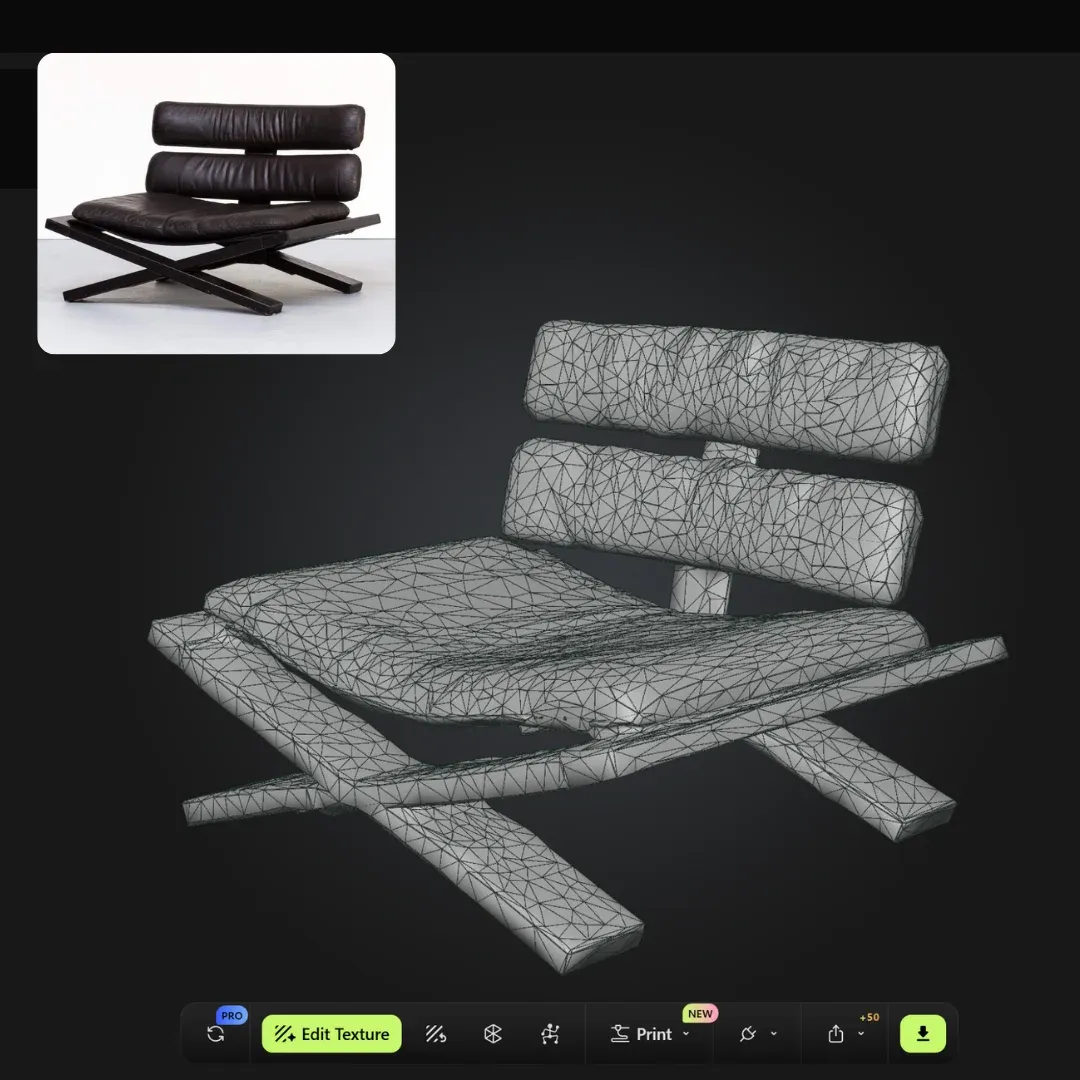
Turn any image into a 3D model
Upload a reference photo and get a matching 3D model, imported directly into your software. Skip the search, let AI recreate the perfect piece instantly.
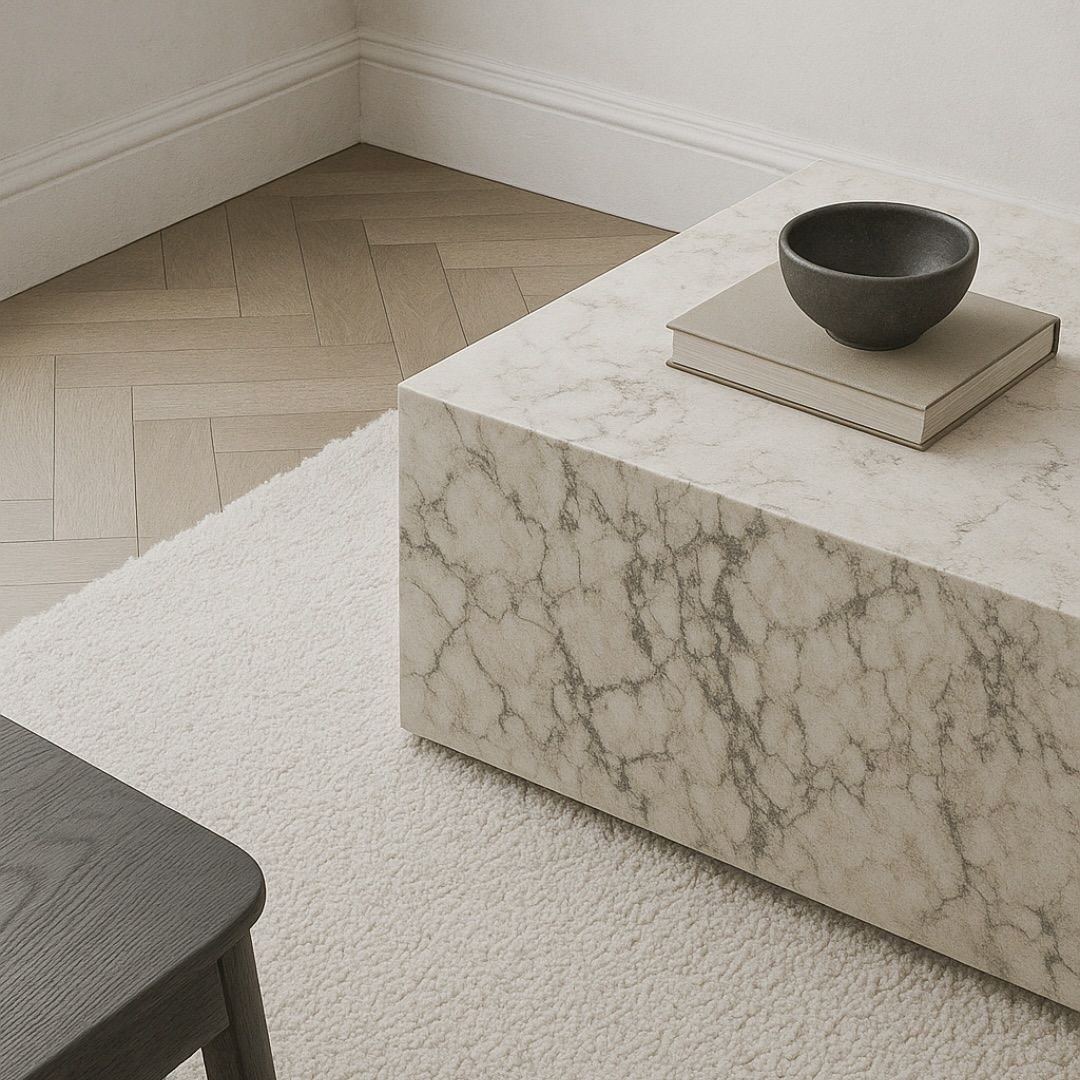
Perfect your renders
Upscale, enhance, and correct your 3D renders in seconds. Fix lighting, material realism, and details without re-opening your rendering software.

Tell a visual story
Use AI to turn your 3D renders into animated videos with Kling.ai, then blend in free stock footage to build powerful, story-driven videos that engage and impress.
Reviews from my students.
See how 1800+ designers have transformed their 3D renderings with my step-by-step workflow. Their results can be yours too!

★★★★★
Trusted by 1800+ designers
★★★★★
This was so helpful. I had tried using AI tools before, but I never really knew how to make them useful in my actual design work. This course made everything feel much clearer. It’s incredibly comprehensive without feeling overwhelming, and the mix of real examples and clear tutorials made it easy to follow. I’ve explored several AI courses before, and from my perspective, this is clearly one of the best available today. I’m so happy I joined. Thanks Kate!
Suzanna G.
Interior Designer, UK
★★★★★
Just finished your course Kate and I honestly wish I’d found this sooner. Everything finally makes sense, how to create task automations, use Nano Banana (which I was very excited about!), when to bring in image tools, and how to connect it all with my 3D renders. Loved the clear steps. It’s already helped with two client projects this week!
Sophie M.
Interior Designer, Belgium
★★★★★
I had no idea how to approach AI and actually use it. It felt like a very intimidating, large, black hole. After taking Kate's course, I honestly felt like I was so much farther along than others in the industry. The knowledge I gained gave me an in-measurable amount of confidence. Thank you Kate!
Kristi J.
Architect, Serbia
★★★★★
In the beginning I was afraid if I would be capable of handling all this new stuff around AI... I saw the short teaser video from Kate and immediately liked the way she tried to explain without pushing. I decided to give it a try and bought the workshop. It was good also knowing I have the money-back-guarantee – BUT I DID NOT NEED IT! I started watching it and didn't stop. All afternoon, all night... starting out trying first things and got really addicted!
Alv Kintscher GmbH.
Architect, Germany
★★★★★
So good!! I’ve already started tweaking my renders the way you suggested, and the before/after results are amazing. And the fact that you show how to use AI and it’s integrated in my full workflow, that’s what made this course different.
Rania L.
Interior Designer, UAE
★★★★★
Everything was super clear and easy to apply. I loved how you linked each AI step to a real design project, it wasn’t just a bunch of tools thrown at us. I’m already start implementing these in my work and already had such positive feedback from clients!!
Ilona S.
Decorator, Czech Republic
★★★★★
Really solid course. Really relevant to our industry, just things I can actually use. I liked that you showed us what NOT to do too, saved me from making dumb mistakes. Got two new clients already thanks to your course. Totally worth it.
Anders S.
Architect, Sweden
★★★★★
I've been doing design for 20 years and figured I was too old for this AI wave. But you made it feel so easy and you were very detailed oriented and gave me all the steps I needed to know how to use AI and implement it. My clients keep asking how I'm getting concepts done so fast now ;) Seriously, thank you. This course already paid for itself.
Wendy S.
Interior Designer, Australia
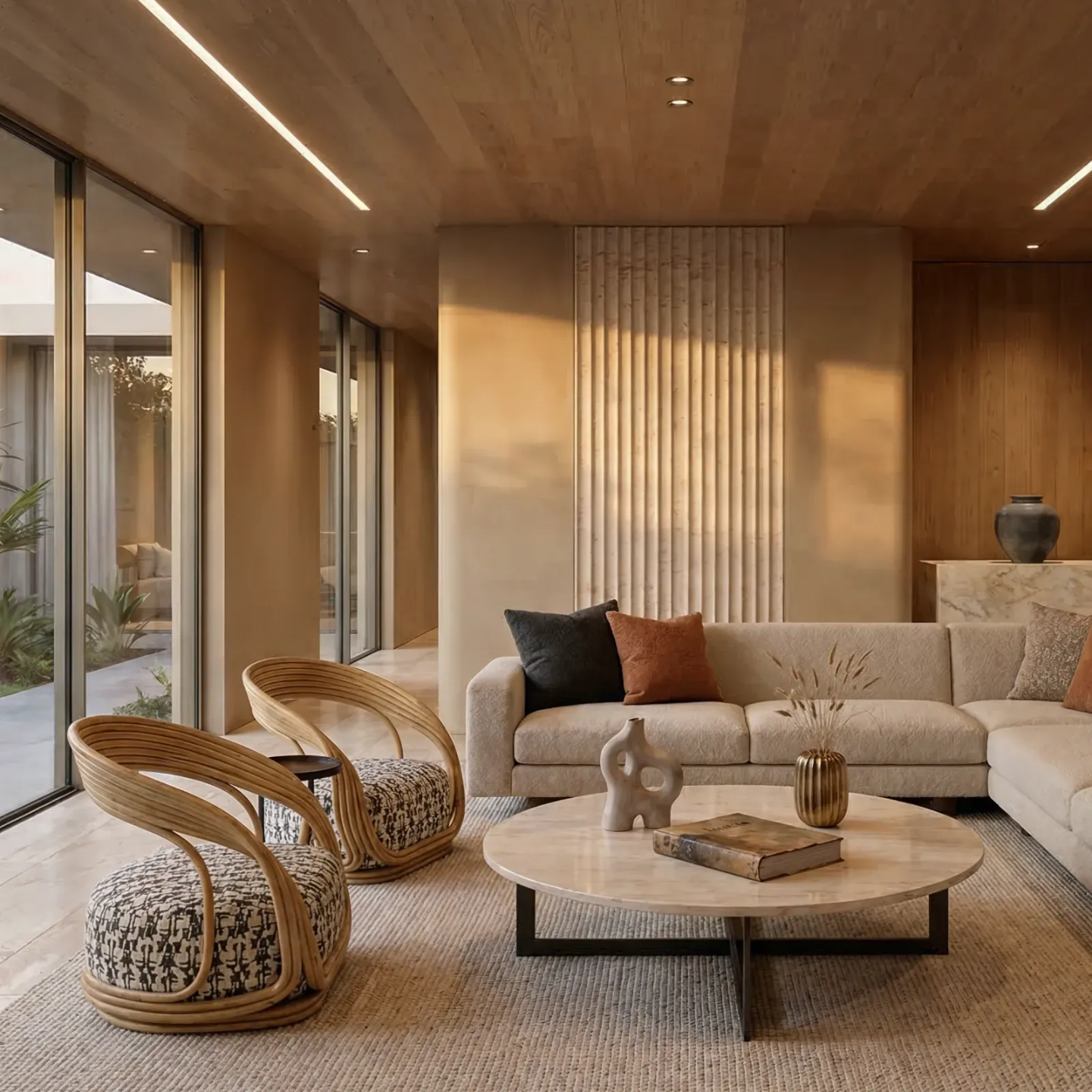
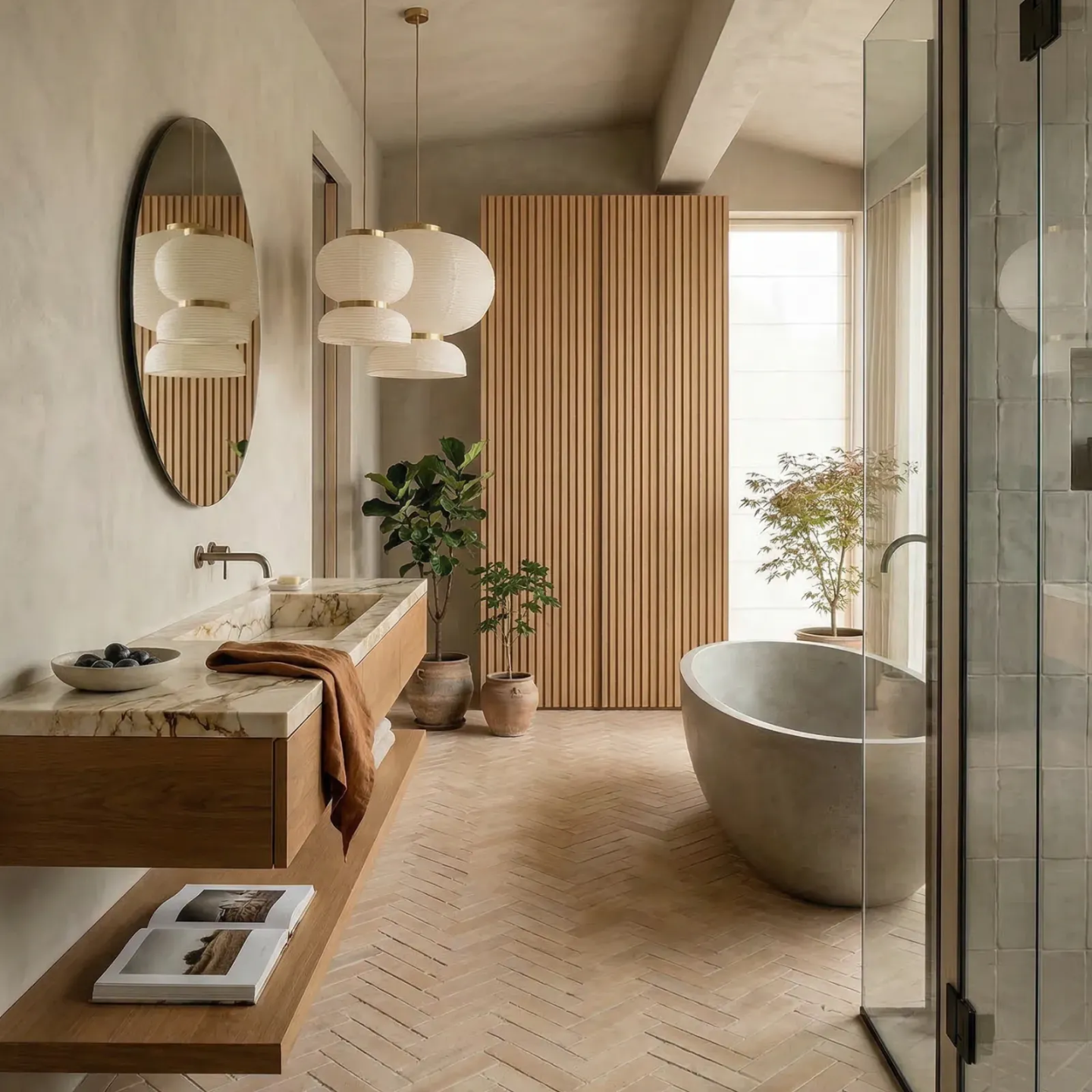
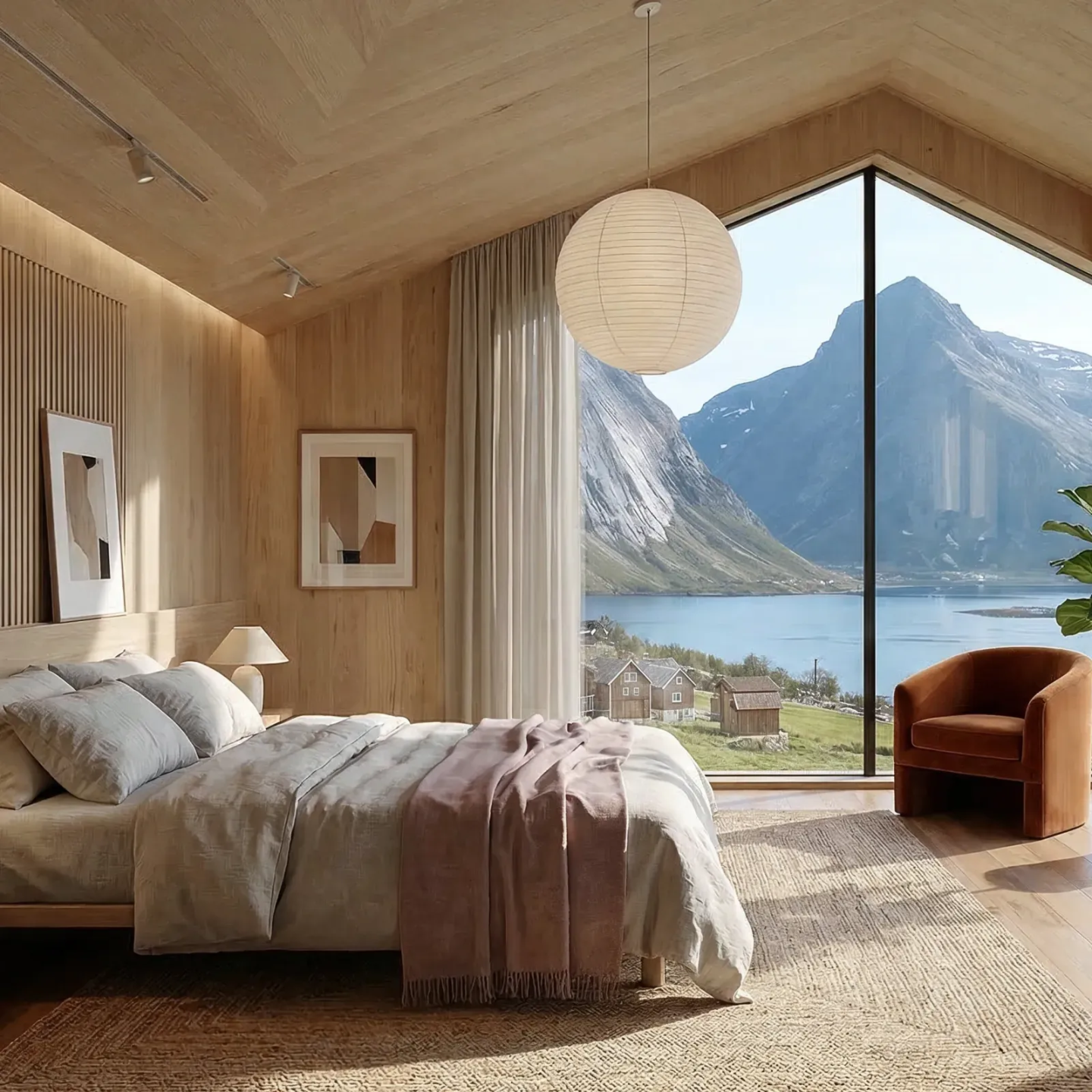
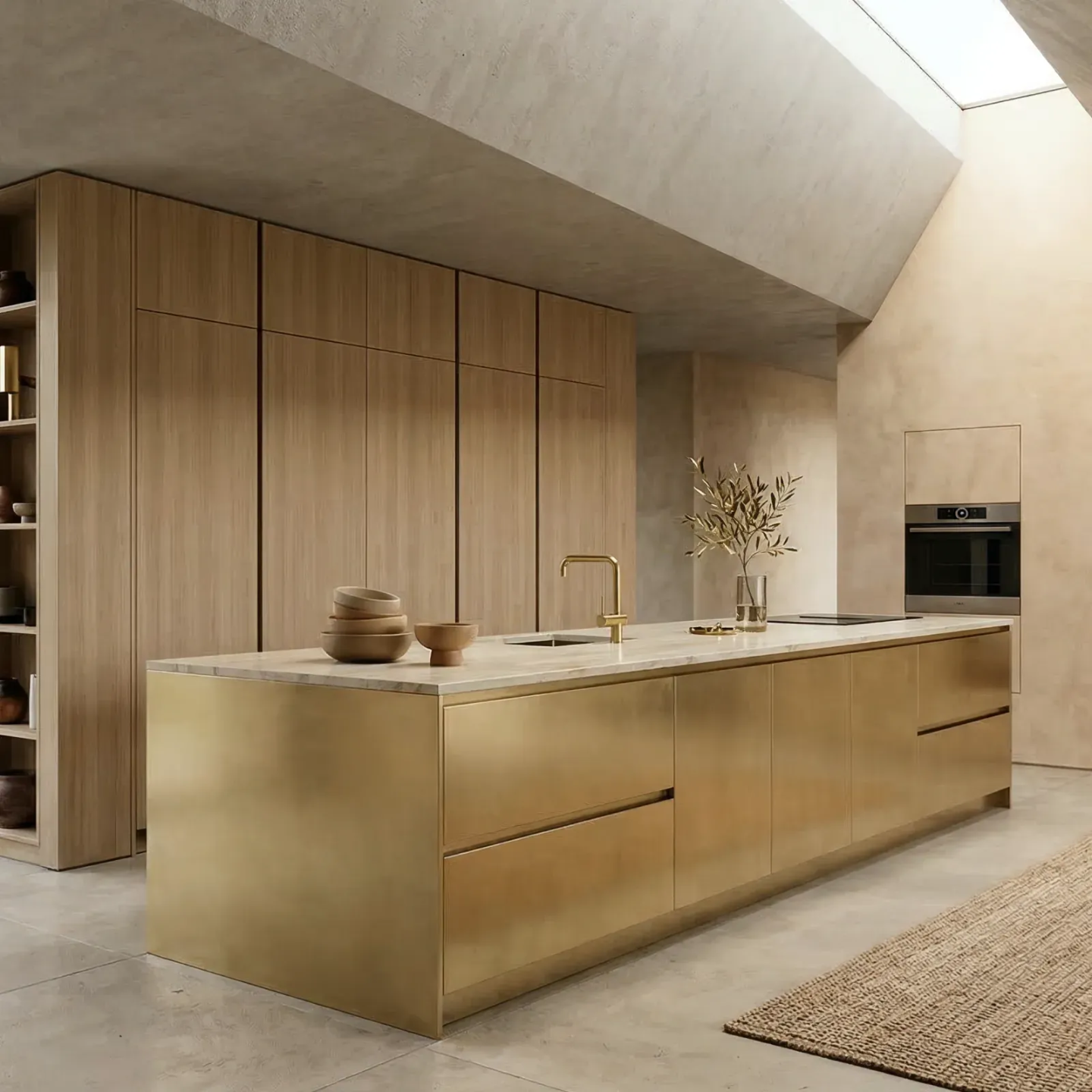
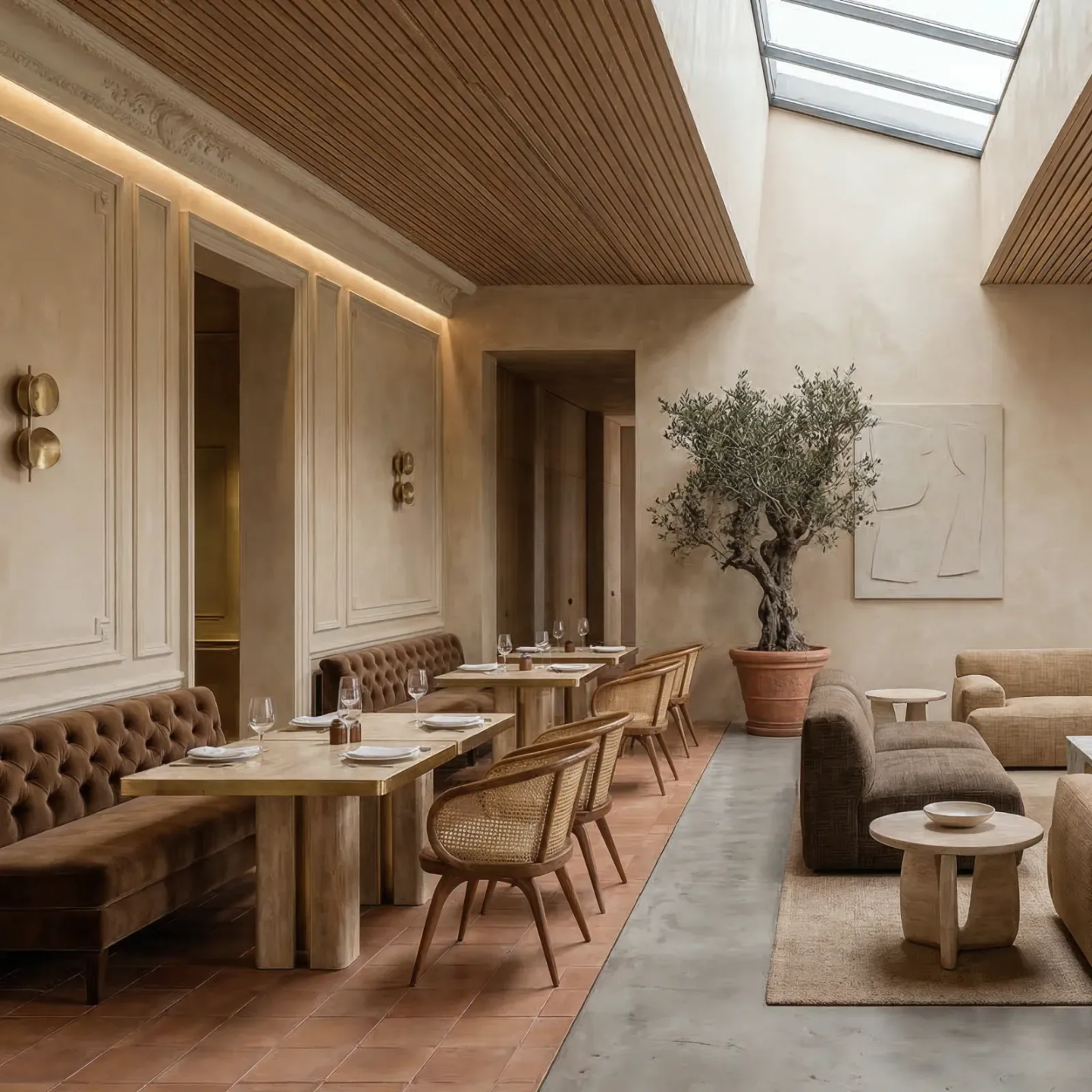
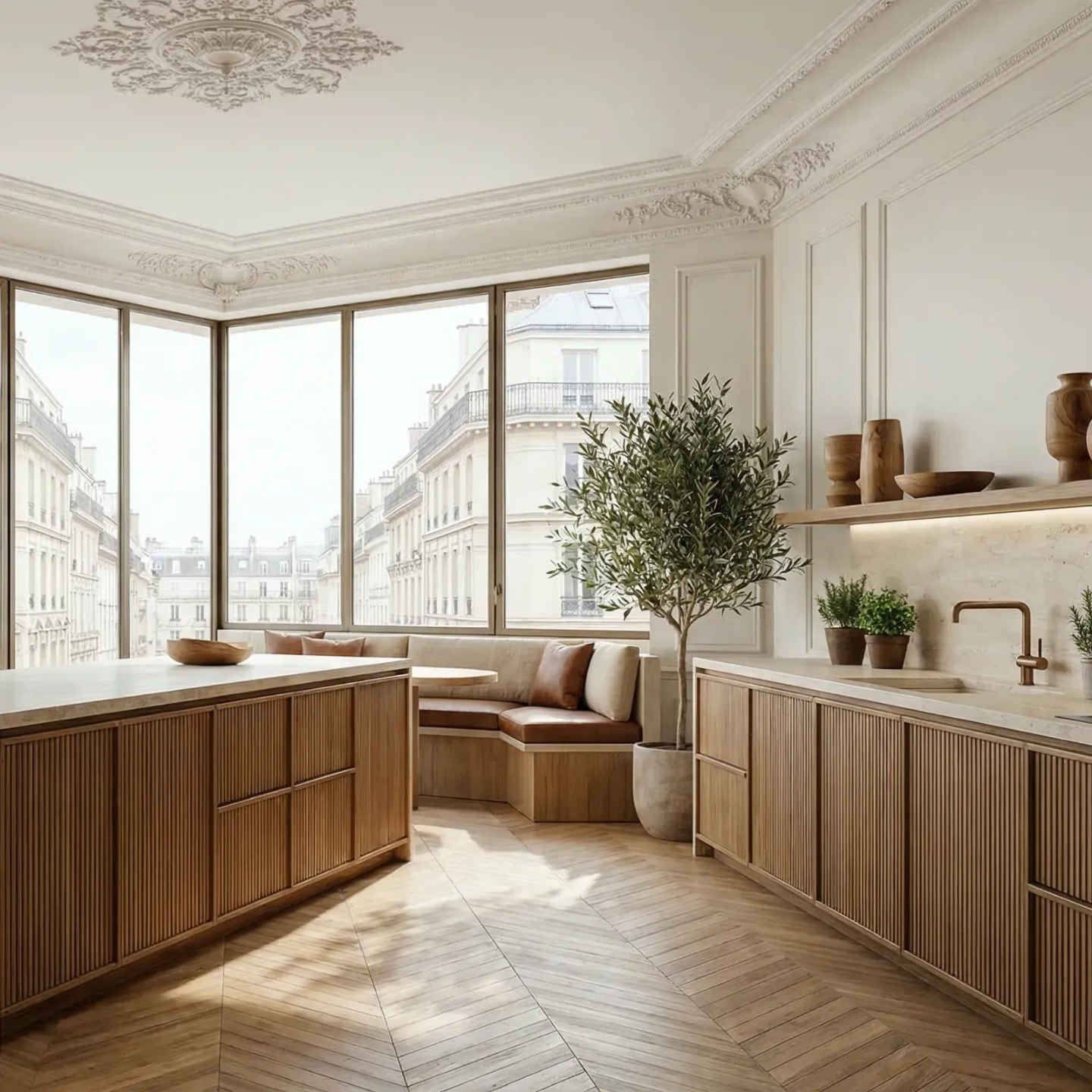
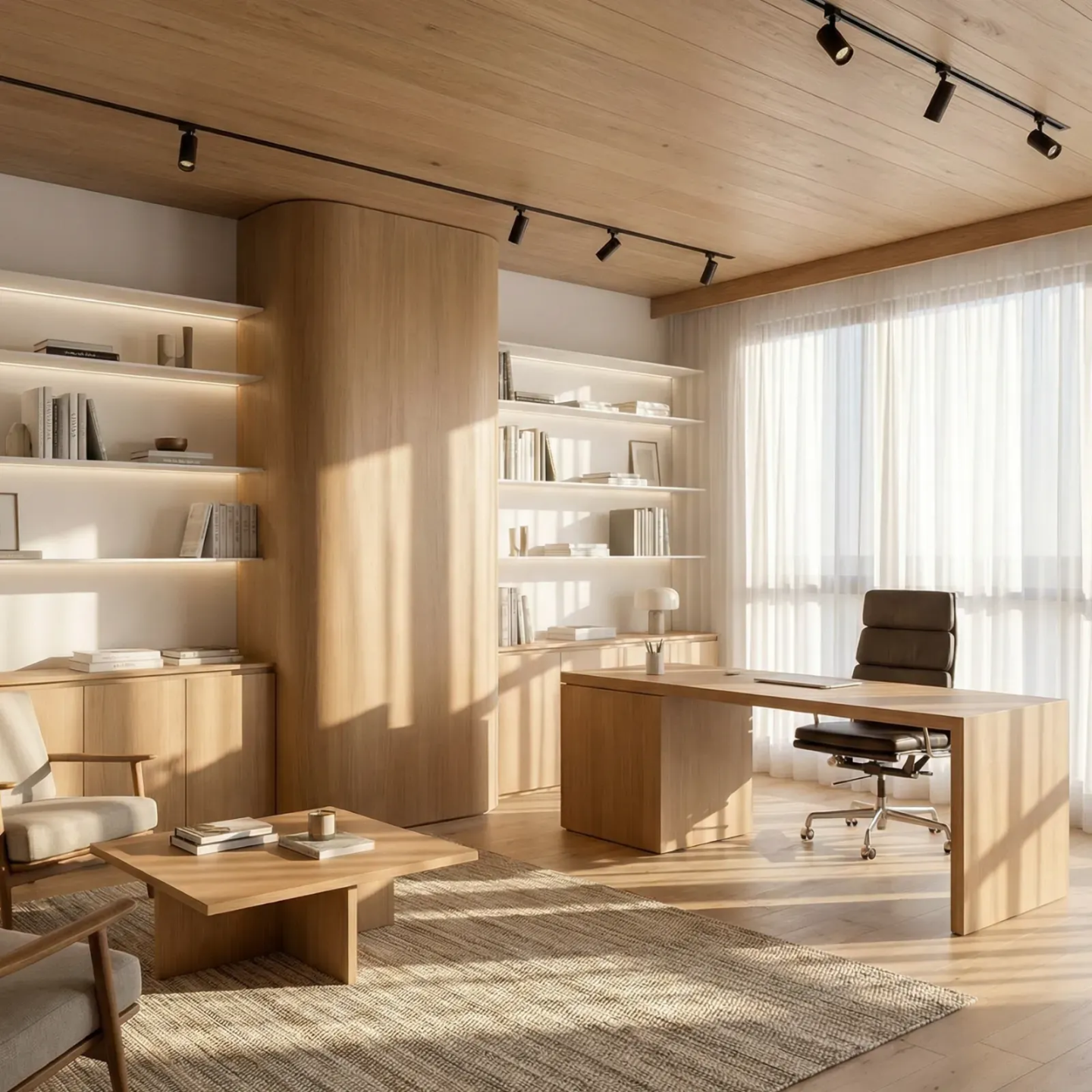
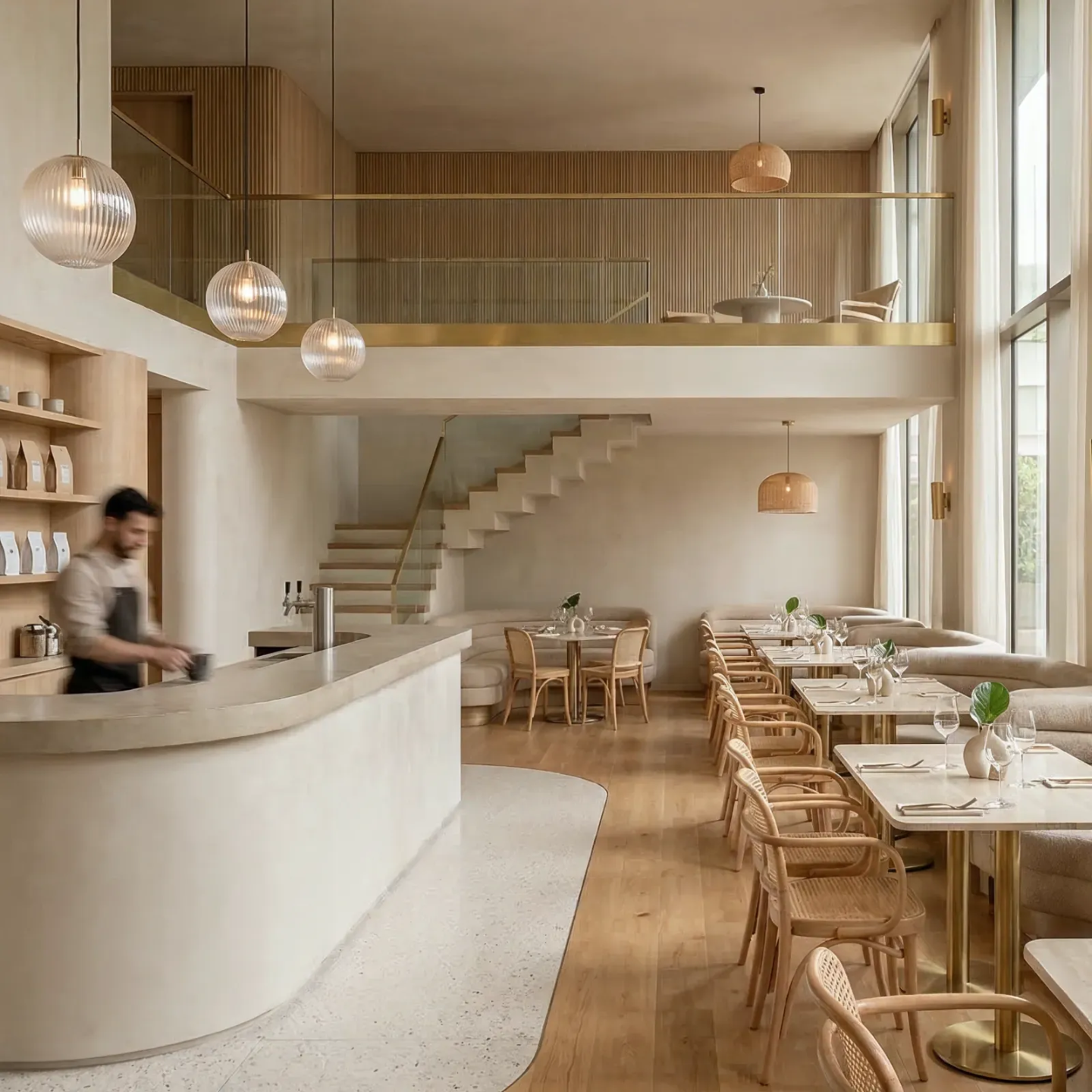
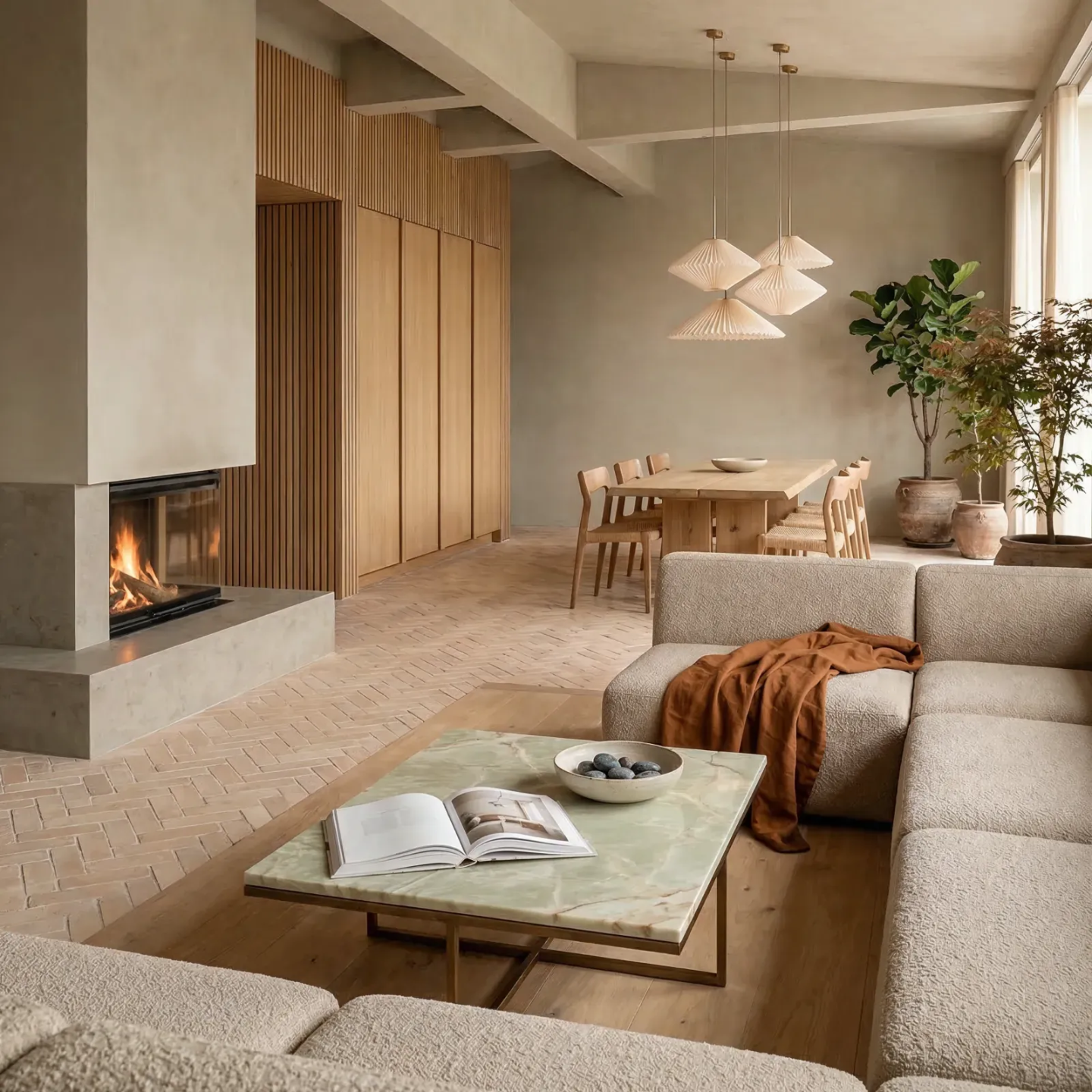
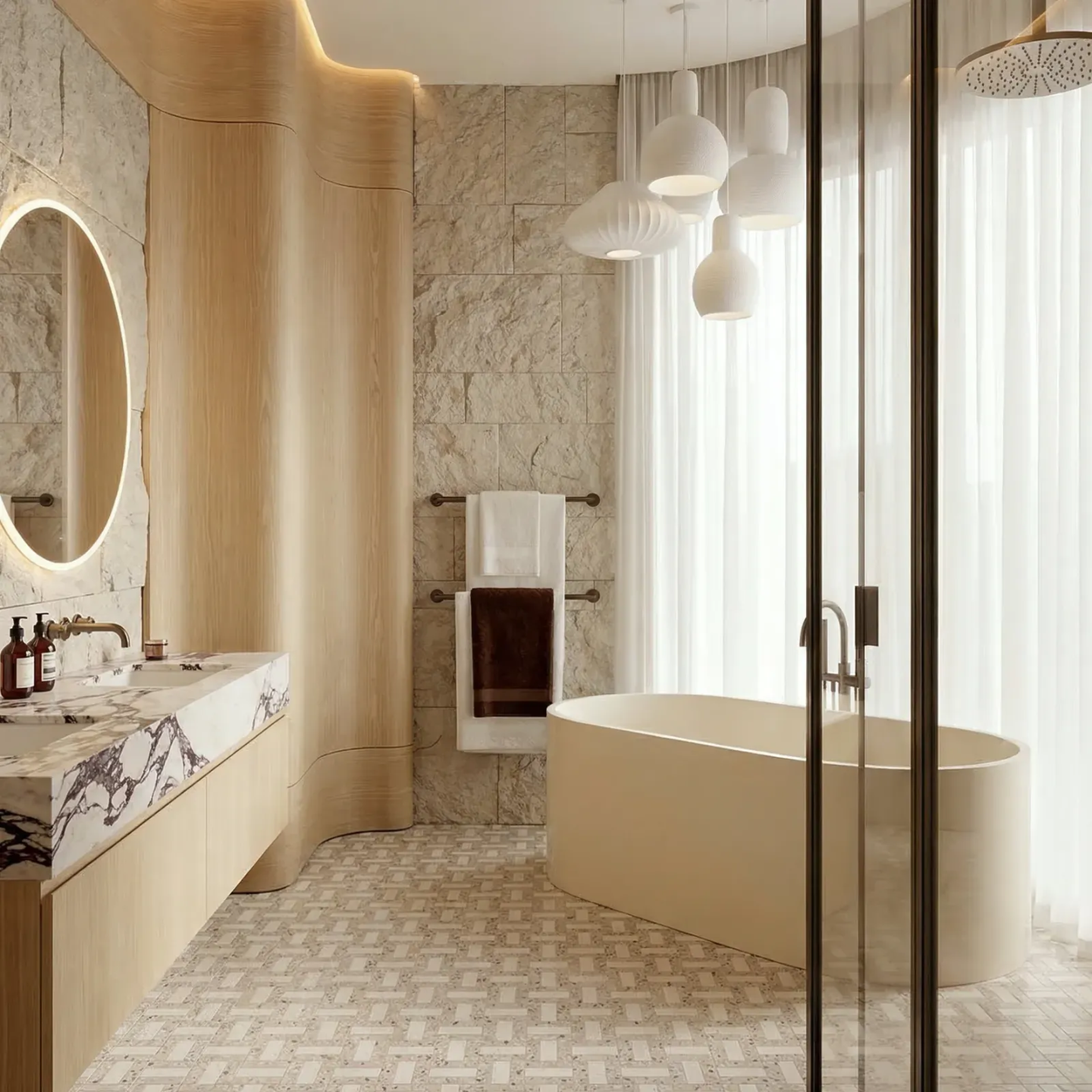
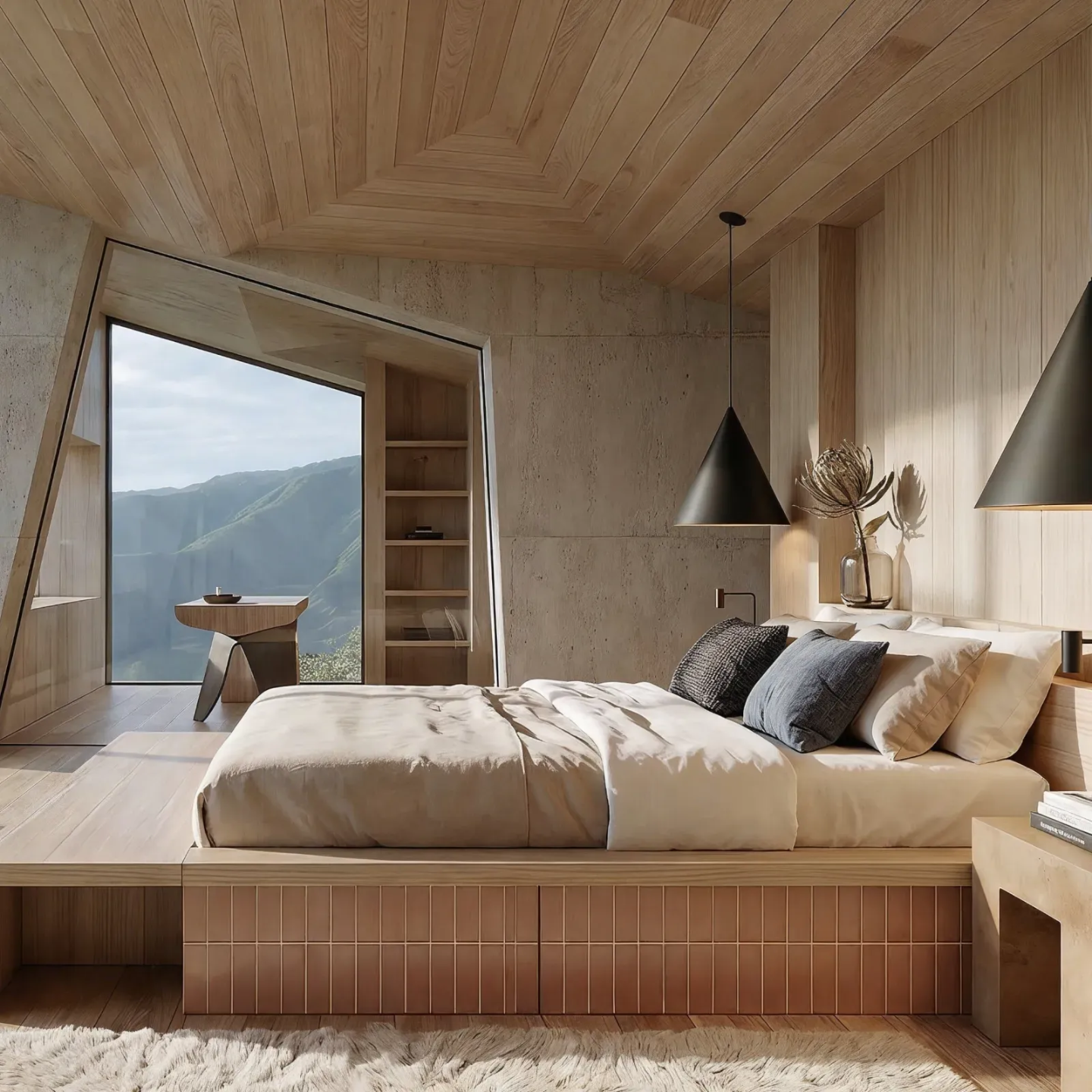
What's in my AI course.
Step-by-step lessons, real examples, and quick hands-on exercises.

Module 0
The foundation
Module 1
Concept & visual ideation
Module 2
Colors, Moodboards & Floorplans
Module 3
3D modeling with AI
Module 4
Image generation, editing & post-production
Module 5
Presentation & Video storytelling
Module 6
The Workflow: Same project, start to finish
Additional
Bonus content
Additional
Business automation with AI
Additional
Toolbox

Hi, I'm Kate.
I'm a french interior designer and content creator with over 20 years of experience in the design industry. Being a designer today means wearing a hundred hats: client calls, renders, revisions all while dreaming of more time.
I built my business while raising a toddler, learning everything the hard way through trial and error on my own.
Then AI came along and changed everything. It helped me work smarter, create better visuals, and finally breathe again. Now I help other interior designers and architects use AI to work smarter, render better, and save time.
This isn't about replacing your creativity. It's about giving you the tools to support it. Let's simplify your workflow and future-proof your business together.
Kate
AI Course for designers.
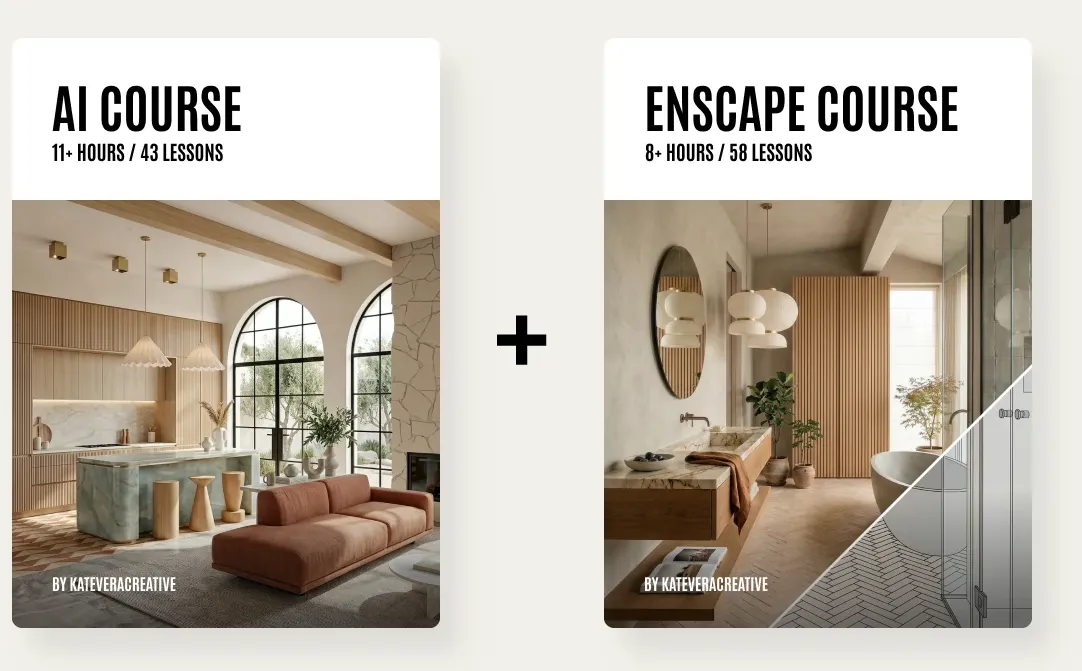
The Bundle:
AI + Enscape courses
The complete creative system using AI to automate tasks, speed up workflows, and generate ideas and Enscape to produce accurate, buildable renders ready for final projects.
Grab the bundle - 30% OFFYour questions, answered.
Get clarity on the most common questions from my students and clients.
Is the course self-paced?
How long do I have access to the course?
Are there any subtitles for this course?
I’m not good with tech. Can I still follow the course?
Will I need paid AI tools?
Can I get a certificate of completion?
Will I have immediate access to the course once purchased?
Do you offer support in the courses?
Do I need to use Enscape or SketchUp?
What if I’m not an interior designer?
Do you offer refunds?
I have another question, how can I contact you?


Subscribe
to my newsletter
Join my cool newsletter for tips, tools, and updates to help you grow. No fluff, just what you need.
Get 15% OFF all courses and templates.

Terms & Conditions